More Than a GUI: Agor is a Full Platform to Orchestrate AI Agents
By Maxime Beauchemin · November 16, 2025
At first glance, Agor looks like a GUI for managing AI agents. A multiplayer canvas where you can see Claude Code sessions, track progress, and coordinate work across worktrees.
That’s true. But it’s also the smallest part of the story.
The GUI is just one interface to a much deeper platform. Everything you see in the interface (every session, every worktree, every agent interaction) is available programmatically through layers of APIs, SDKs, and tools.
Here’s the insight: Agor isn’t a GUI with an API. It’s a platform that happens to have a really good GUI.
The Architecture: Layers All the Way Down
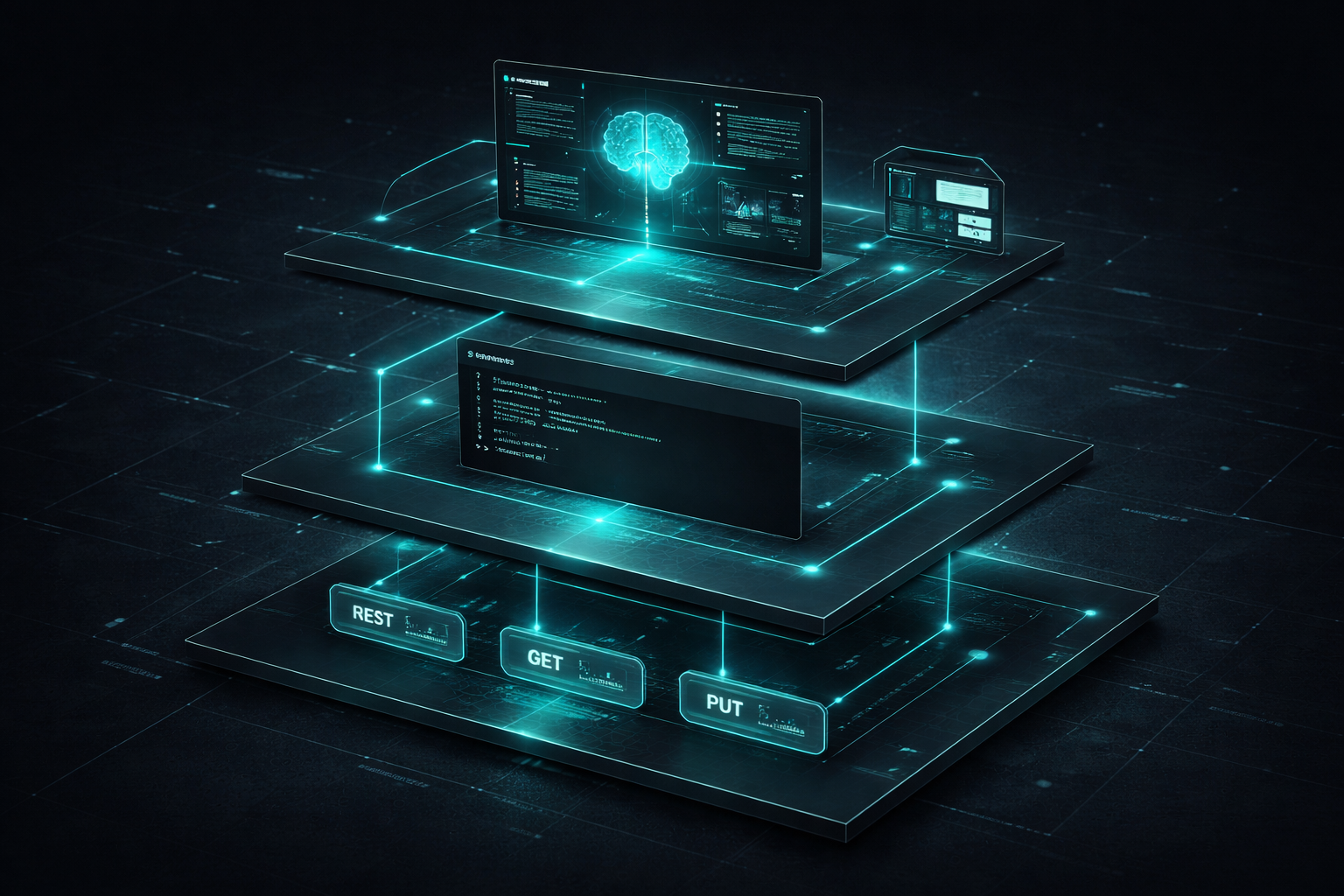
Every agent session in Agor is persistent, observable, and resumable. And it’s built in layers:
┌─────────────────────────────────────────┐
│  Layer 4: Interfaces                    │
│  • Agor GUI (React + Canvas)            │
│  • Your Custom GUI                      │
│  • Terminal UI                          │
└─────────────────┬───────────────────────┘
                  │
┌─────────────────▼───────────────────────┐
│  Layer 3: TypeScript Client             │
│  @agor/core/api                         │
│  • Fully typed SDK                      │
│  • Real-time WebSocket events           │
└─────────────────┬───────────────────────┘
                  │
┌─────────────────▼───────────────────────┐
│  Layer 2: CLI                           │
│  agor session list, agor worktree create│
│  • Shell composable                     │
│  • CI/CD ready                          │
└─────────────────┬───────────────────────┘
                  │
┌─────────────────▼───────────────────────┐
│  Layer 1: REST + WebSocket API          │
│  FeathersJS (HTTP + Socket.io)          │
│  • /sessions, /worktrees, /tasks        │
│  • Real-time event broadcasting         │
└─────────────────┬───────────────────────┘
                  │
┌─────────────────▼───────────────────────┐
│  Layer 0: Core Primitives               │
│  • Sessions, Worktrees, Tasks           │
│  • Boards, Reports, Concepts            │
│  • Git state, genealogy tracking        │
└─────────────────────────────────────────┘
Each layer is a complete interface, not just a building block for the layer above. You can tap in at any level:
- Want visibility? Use the GUI
- Want automation? Use the CLI or API
- Want custom workflows? Use the TypeScript client
- Want your own interface? Build directly on the REST API
What You Can Tap Into
The REST + WebSocket API
Every operation Agor supports is exposed via a clean REST API with real-time WebSocket events:
# List all sessions
GET /sessions?status=running&board_id=abc123

# Create a new session
POST /sessions
{
  "worktree_id": "def456",
  "agent": "claude-code",
  "prompt": "Review this PR for security issues"
}

# Subscribe to real-time events
WebSocket /
  → session.created
  → session.patched
  → message.created
Build custom dashboards, monitoring tools, or CI/CD integrations. The API doesn’t care what client you are. It’s just HTTP.
The TypeScript Client
The same client that powers the Agor GUI and CLI is available as @agor/core/api:
import { createClient } from '@agor/core/api';

const client = createClient('http://localhost:3030', true, {
  socketAuthentication: { accessToken: '<signed-access-token>' },
});

// List sessions with real-time updates
const sessions = await client.service('sessions').find({
  query: { board_id: 'abc123' },
});

// Subscribe to new messages
client.service('messages').on('created', message => {
  console.log('New message:', message.content);
});
Fully typed, real-time, same capabilities as the GUI. Build automation scripts, custom tooling, or integrate Agor into your existing apps.
Clients in Other Languages
The TypeScript client is the only official client right now, but we’d love to offer clients in other languages. Python, Rust, and Go are all on the radar.
Since the REST API is OpenAPI/Swagger compliant, generating clients for other languages should be straightforward. If you’re interested in building or maintaining a client for your language of choice, reach out! Open a GitHub Discussion and we can coordinate.
For now, we’re thinking these clients should live in separate repositories and be maintained by people actively using them. If you build one, we’ll happily link to it from the main docs.
The CLI
Rich command-line interface for power users and shell scripts:
# Create a worktree for a new feature
agor worktree create myapp feat-auth --branch main

# Start a session in that worktree
agor session create \
  --worktree feat-auth \
  --agent claude-code \
  --prompt "Implement JWT authentication"

# List all running sessions
agor session list --status running

# Watch a session's progress
agor session watch abc123
Composable with shell scripts, perfect for CI/CD, integrates with your dotfiles.
The Use Cases
GitHub Actions / CI Automation
Agent integrations like @claude in GitHub PRs are useful. Comment on a pull request, tag Claude, and it reviews your code. But those sessions are ephemeral: you can’t see what the agent actually did beyond the final output, you can’t resume if you need to course-correct, and the conversation history vanishes.
Agor takes a different approach. Here’s what it looks like:
# .github/workflows/agor-review.yml
on:
  pull_request:
    types: [opened, synchronize]

jobs:
  agor-review:
    runs-on: ubuntu-latest
    steps:
      - uses: agor-live/agor-action@v1
        with:
          agent: claude-code
          prompt: 'Review this PR for security issues and best practices'
          board: 'ci-reviews'
          worktree: 'pr-${{ github.event.pull_request.number }}'
          mcp-servers: 'playwright,context7'
What happens:
- GitHub Action creates an Agor worktree for the PR branch
- Spawns a Claude Code / Codex / Gemini session on your “CI Reviews” board
- The agent reviews the code (you can watch it live in the Agor GUI)
- Session persists after the review completes
- Results get posted back to the PR
- You get a direct link to the session in Agor
Unlike @claude or ephemeral CI bots, this session doesn’t vanish. You can:
- See exactly what the agent did - Full conversation history, tool use, file reads
- Resume the session - Comment again: “Actually, can you also check for race conditions?”
- Spawn follow-up agents - “Now run the test-writing agent on this worktree”
- Reuse context across runs - “Find the session that created this PR and ask it to fix the unit tests”
- Choose any agent - Claude Code, Codex, Gemini, whatever fits your workflow
- Configure permissions and tools - Pass MCP servers, context files, permission modes
Because Agor is stateful, you’re not starting from scratch every time. The PR creation session? Still there. The review session? Available for follow-up. The bug fix attempt? Its context can inform the next iteration.
Example follow-up workflow:
# In PR comments or subsequent GHA runs:
@agor find the session that opened this PR and ask it to fix the failing unit tests

# Or programmatically:
agor session list --worktree pr-1234
agor session prompt abc123 "The tests are failing on line 45, can you fix it?"
The GitHub Action gives you a link that goes straight to the live session in your Agor instance. Click it and you’re watching the agent work in real-time, on your board, with full history.
This isn’t a future vision. The infrastructure exists today. The primitives are there: persistent sessions, worktrees, real-time updates, multi-agent coordination. The GitHub Action is the wrapper that makes it seamless.
Git Worktree Management (Even Without Agents)
Forget the agents for a moment. Agor is a solid git worktree manager on its own:
# Create parallel worktrees for different features
agor worktree create myapp feat-auth
agor worktree create myapp feat-payments
agor worktree create myapp fix-cors

# List all worktrees with their branches and status
agor worktree list

# Each worktree gets its own isolated environment
# No more stashing, no more context switching
Even if you never spawn an agent through Agor, Agor gives you:
- Clean isolation across branches
- No git stash gymnastics
- Parallel development without conflicts
- Visual board to track which worktrees are active
It’s git worktree with a brain, and a GUI if you want it.
Agent Orchestration from External Apps
Your app can spawn and coordinate Agor sessions:
// From your VS Code extension, Slack bot, internal tool, etc.
import { createClient } from '@agor/core/api';

const client = createClient(process.env.AGOR_DAEMON_URL, true, {
  socketAuthentication: { accessToken: process.env.AGOR_ACCESS_TOKEN! },
});

// Spawn an agent session
const session = await client.service('sessions').create({
  worktree_id: 'abc123',
  agent: 'claude-code',
  prompt: 'Implement dark mode for the dashboard',
});

// Watch progress in real-time
client.service('messages').on('created', message => {
  if (message.session_id === session.session_id) {
    console.log('Agent update:', message.content);
  }
});

// Wait for completion
client.service('sessions').on('patched', updated => {
  if (updated.session_id === session.session_id && updated.status === 'completed') {
    console.log('Session complete!');
  }
});
Given it happens in Agor, you’re always able to use the GUI for observability and interactions.
Use cases:
- VS Code extension that delegates complex refactors to Agor
- Slack bot that spawns agents on command and reports back
- Internal tools that need agent capabilities without reinventing the wheel
- Test runners that spawn agents to fix failing tests automatically
Build Your Own Interface
The TypeScript client + REST API means you can build any interface you want:
- Minimal web UI for your specific workflow
- Terminal-based TUI (shoutout to bubbletea fans)
- Voice interface that spawns agents on command
- Custom dashboard for your team’s process
- Mobile app (why not?) - Agor’s got one, but maybe something more fitted to your app or workflow.
The platform doesn’t care. It’s just HTTP + WebSocket. The Agor GUI is one opinion about how to visualize sessions. Yours might be different.
Multi-Agent Workflows from Scripts
Coordinate multiple agents programmatically:
// Spawn 3 agents in parallel across different worktrees
const sessions = await Promise.all([
  client.service('sessions').create({
    worktree_id: 'frontend-wt',
    agent: 'claude-code',
    prompt: 'Add dark mode to React components',
  }),
  client.service('sessions').create({
    worktree_id: 'backend-wt',
    agent: 'codex',
    prompt: 'Add dark mode preference to user API',
  }),
  client.service('sessions').create({
    worktree_id: 'docs-wt',
    agent: 'gemini',
    prompt: 'Update docs to mention dark mode feature',
  }),
]);

// Wait for all to complete
await Promise.all(sessions.map(s => waitForCompletion(s.session_id)));

// Aggregate results, open PR
console.log('All agents done. Opening PR...');
Nightly automation? Spawn agents to update dependencies, run tests, open PRs. All observable, all resumable.
Project Management Integration
Connect your issue tracker directly to Agor:
// GitHub webhook handler
app.post('/webhooks/github', async req => {
  const issue = req.body.issue;

  if (issue.labels.includes('agent-fix')) {
    // Auto-spawn Agor session for labeled issues
    const worktree = await client.service('worktrees').create({
      repo_id: 'myapp',
      worktree_name: `issue-${issue.number}`,
      source_branch: 'main',
    });

    await client.service('sessions').create({
      worktree_id: worktree.worktree_id,
      agent: 'claude-code',
      prompt: `Fix issue #${issue.number}: ${issue.title}`,
    });

    // Session appears on your board, you watch it work
  }
});
Linear tickets → Agor sessions. Jira issues → worktrees. Your workflow → programmatic orchestration.
Real Example: CI Integration in ~50 Lines
Here’s what it looks like to build a basic CI integration:
import { createClient } from '@agor/core/api';

async function reviewPR(prNumber: number, prBranch: string) {
  const client = createClient('http://localhost:3030', true, {
    socketAuthentication: { accessToken: process.env.AGOR_ACCESS_TOKEN! },
  });

  // Create worktree for this PR
  const worktree = await client.service('worktrees').create({
    repo_id: 'myapp',
    worktree_name: `pr-${prNumber}`,
    ref: prBranch,
    source_branch: 'main',
    board_id: 'ci-reviews', // Lands on your CI board
  });

  // Spawn review agent
  const session = await client.service('sessions').create({
    worktree_id: worktree.worktree_id,
    agent: 'claude-code',
    prompt: `Review PR #${prNumber} for:
    - Security issues
    - Performance concerns
    - Best practices violations

    Provide detailed feedback with line numbers.`,
  });

  // Subscribe to results
  const messages = [];
  client.service('messages').on('created', msg => {
    if (msg.session_id === session.session_id && msg.role === 'assistant') {
      messages.push(msg.content);
    }
  });

  // Wait for completion
  await new Promise(resolve => {
    client.service('sessions').on('patched', updated => {
      if (updated.session_id === session.session_id && updated.status === 'completed') {
        resolve();
      }
    });
  });

  // Post results to GitHub
  const review = messages.join('\n\n');
  await postGitHubComment(prNumber, review);

  // Return link to session for deep-dive
  return `https://agor.live/sessions/${session.session_id}`;
}
That’s it. ~50 lines to get:
- Persistent sessions on your board
- Real-time progress monitoring
- Full conversation history
- Resumable for follow-up prompts
- Link back to the session from GitHub
Compare that to building your own agent orchestration from scratch.
The Philosophy
GUI-first doesn’t mean GUI-only.
We built Agor with a great visual interface because spatial canvases are powerful for coordination. But we also knew that locking people into one interface would be a mistake.
The layers enable composition. You pick the interface that fits your workflow:
- Use the GUI when you want visibility and spatial organization
- Use the CLI when you’re in a terminal or scripting
- Use the API when you’re building automation
- Use the TypeScript client when you want type safety
Persistent beats ephemeral (especially for CI/CD). When agent sessions stick around, you can:
- Debug what went wrong
- Build on previous context
- Resume interrupted work
- Audit what happened
Observable beats black box. See the full conversation. Watch tool use in real-time. Know exactly what the agent did and why.
Resumable beats one-shot. Don’t start from scratch every time. Continue the conversation. Add context. Course-correct mid-flight.
This isn’t theoretical. These are the primitives Agor provides today.
What’s Next
We’re working on:
- Official
@agorGitHub Action - One-line integration for PRs and issues - Richer API capabilities - Scheduled sessions, zone triggers, policy controls
- Better docs for API consumers - OpenAPI specs, more examples, SDKs for other languages
- Community-built interfaces - We’re excited to see what people build
The platform is young but the foundation is solid. REST API, WebSocket events, TypeScript client, CLI. All production-ready.
Try It Yourself
Start with the CLI:
pnpm install -g agor
agor --help
Explore the API:
Check out the API Reference for full REST endpoint documentation.
Build a custom client:
npm install @agor/coreSee the TypeScript Client docs for examples.
Dive into the architecture:
Read about how Agor is built - FeathersJS, Drizzle ORM, LibSQL, the whole stack.
Join the discussion:
Building something with Agor’s API? Running into limitations? Have ideas for the GitHub Action? We’d love to hear about it.
The takeaway: Agor is a platform for persistent, observable, resumable agent orchestration. The GUI is one way in. The API, CLI, and TypeScript client give you the rest.
Build the interface you need. Automate the workflows you want. Integrate wherever it makes sense.
The layers are there. Tap in wherever you need.
If you’re juggling agents across terminals or dealing with ephemeral CI bots that vanish, try Agor . If you’re building on top of the platform, we’d love to know what you’re making.
References
- Architecture Documentation
- REST API Reference
- CLI command help:
agor --help - GitHub Repository