Know what’s running
and who can do what
See every agent session and what it costs, decide who can view, collaborate on, or manage each board and branch, and choose where it runs: on your own infrastructure or ours. Controls that help your team work together, not a way to watch over it.
Community Edition, self-hosted
Your repos, your database, your infrastructure. Source-available under BSL 1.1, with production use permitted.No frontier lock-in
Claude Code, Codex, Gemini, Copilot, OpenCode. Pick the best harness per session, and switch the day something better ships.Governance & visibility
Visibility across your boards and agent sessions, with usage tracked along the way. Know what’s running and what it costs.Permissions
Roles on every board and branch decide who can view the work, collaborate on it, or manage it.Execution isolation
Application RBAC paired with fail-closed local sandboxing or a reviewed delegated runtime.Agor Cloud is here
Fully managed Agor for teams who’d rather not run it themselves. Sign up for Agor Cloud.
See the work, and what it costs
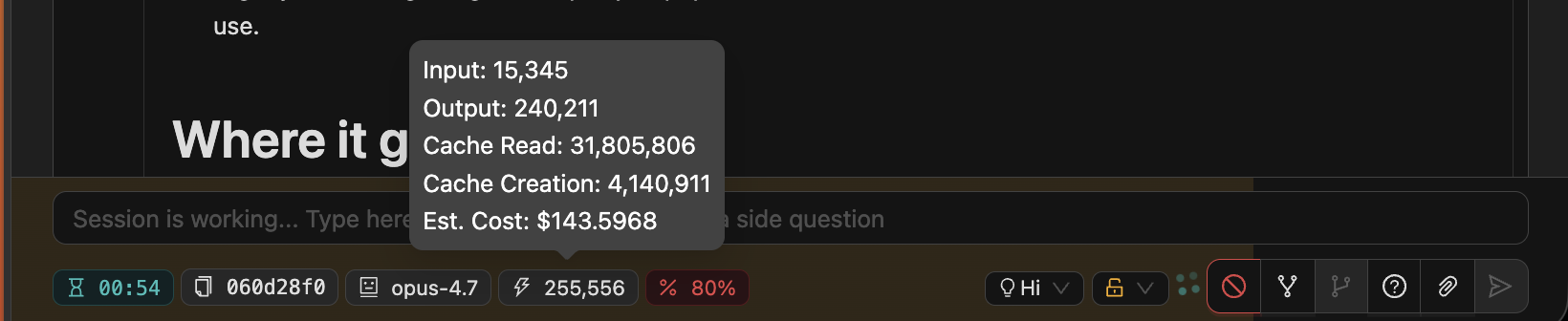
Every agent session lives on a shared board, next to the branch it works on. Anyone with access can see what is running, what is waiting on a person, and what an agent actually did, without chasing status updates.
Estimated cost is recorded on every message and rolls up per session, so whoever looks after AI spend can see where it goes, and catch a runaway prompt or an oversized model before it becomes a pattern.
- Cost on the recordEstimated cost stays attached to each session and branch, next to the work it paid for. Coverage depends on what each agent’s SDK reports.
- Usage analyticsSettings → Analytics shows how agents are being used across the workspace.
- A record of agent workConversations, tool calls, and branch history stay attached to the session, including after a branch is archived.
Decide who can do what on every board
Board and branch permissions are always on. Every board and branch has a primary owner, and you grant access to named people, groups, or everyone else in the workspace.
Roles stay simple: Viewers read, Collaborators prompt their own sessions, Managers run the branch. File access is set separately, and Manager never implies access to someone else’s sessions or credentials.
- Board defaults, branch overridesA board sets one default permission package; a branch inherits it or overrides it as a whole.
- File access: none, read, or writeTerminal access requires Collaborator or Manager plus file access.
- Shared prompting is opt-inA workspace admin enables it first, then a board or branch Manager turns it on where it fits.
| Capability | Viewer | Collaborator | Manager |
|---|---|---|---|
| See the branch and its sessions | Yes | Yes | Yes |
| Start and prompt their own sessions | No | Yes | Yes |
| Open the branch terminal | No | With file access | With file access |
| Prompt a colleague’s session | No | If enabled | If enabled |
| Run environments and session lifecycle | No | No | Yes |
| Manage the branch and its permissions | No | No | Yes |
Grant roles to people, groups, or everyone else in the workspace. Manager never implies access to someone else’s sessions or credentials.
Run any agent, and switch when you need to
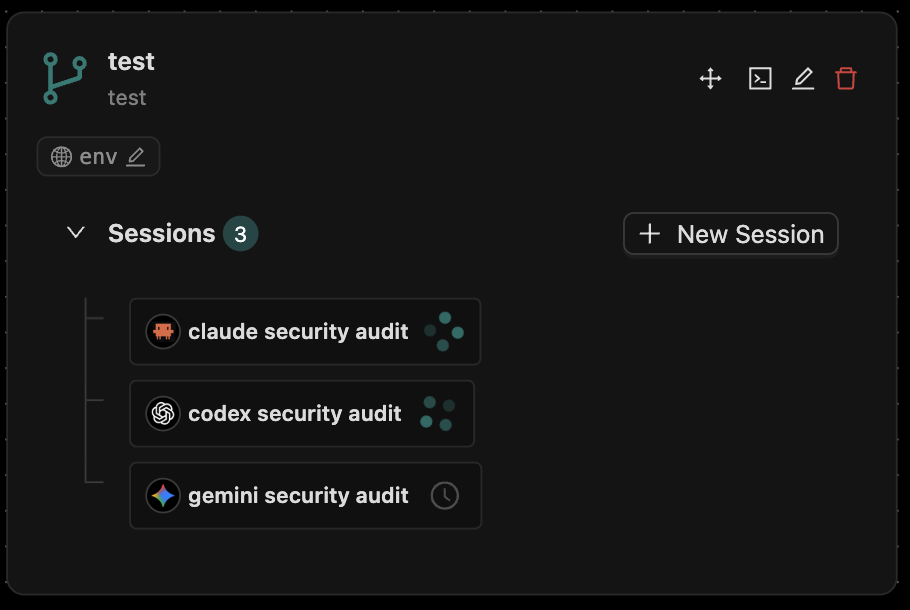
Claude Code, Codex, Gemini, GitHub Copilot, and OpenCode run side by side on the same board, with Cursor in beta. Pick the agent and model per session, and change model or reasoning effort mid-session where the agent supports it.
Your workflows stay on your board, not inside one provider’s product, so trying something new does not mean starting over.
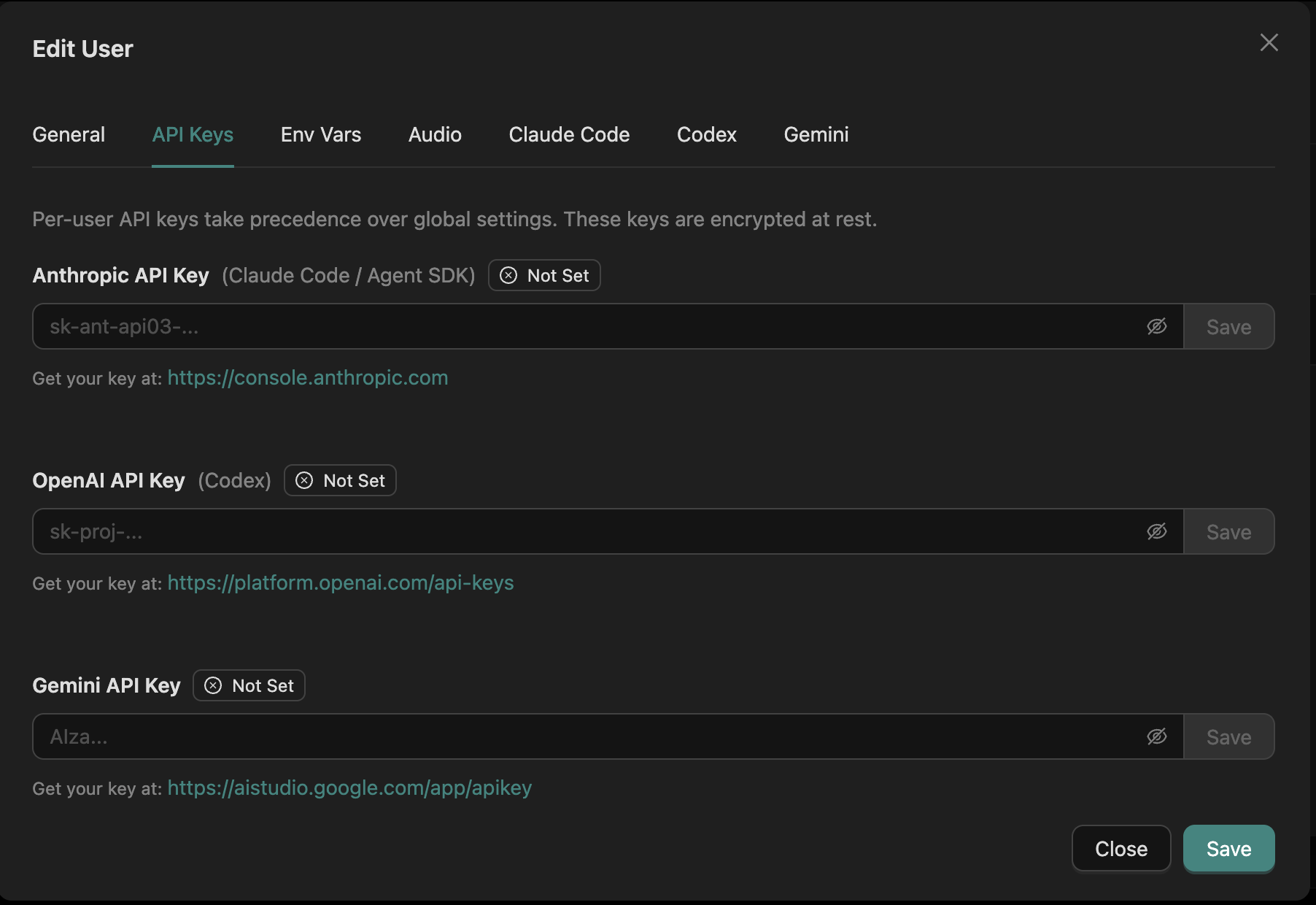
- Your keys, your billBring your own provider keys or subscriptions. Per-user keys take precedence over shared ones and are encrypted at rest.
- Compare on the same workRun several agents against one branch and review their results together.
Pick an execution boundary that fits your team
Permissions decide who can use a branch. The execution mode decides which files and credentials agent code can actually reach. Agor keeps those two controls separate, and you choose the boundary that matches who can reach the daemon.
The browser terminal and message gateway channels are the two places people reach agent context most directly, so match them to your execution mode and channel settings. Security covers every trust boundary in detail.
- SimpleAgents and terminals run as the daemon user with no filesystem boundary. Meant for one person or a fully trusted team.
- SandboxA fail-closed Linux bubblewrap sandbox with mounts derived from branch permissions and a private home per person. It isolates the filesystem, not the network, and never falls back to simple.
- DelegatedHands execution to an external launcher, such as containers or pods. That substrate owns identity, storage, and containment.
Run it yourself, on your terms
Agor Community Edition installs from npm and runs on your own infrastructure. It is source-available under BSL 1.1, production use is permitted, and your repos, database, and infrastructure stay yours.
Stored credentials are encrypted at rest under a master secret you provision, and agents run in separate executor processes that receive API keys just in time instead of reading the database.
- Keep the daemon privateRun it behind a firewall, VPN, or private network, and put a reverse proxy in front for SSO or IP allowlists.
- Per-person credentialsAPI keys and environment variables are stored per user, and reads expose only names and presence, never values.
- Your analytics, your pipelineOff by default. Turn it on and Agor sends curated lifecycle events to the analytics destination you choose, filtered how you like.
Install Community Edition Deployment guidance Analytics configuration Containerized execution
Prefer not to operate it? Try Agor Cloud
Agor Cloud is fully managed Agor, operated by the team behind Preset Cloud. It runs a hardened, current release with isolation, governance, and observability handled for you, while your team keeps its own model keys.
Start on our infrastructure and move closer to your own as requirements grow, from hosted to a managed deployment in your AWS account.
- Separate workspacesEach workspace is its own tenant with its own database, so you can segment by team, project, or sensitivity.
- Your keys stay yoursModel usage is billed by your provider. Agor Cloud does not proxy or mark up your tokens.
- SOC 2 Type II in progressThe audit is underway, and sign-in runs through a SOC 2 Type II identity provider.

Go deeper in the docs
Explore more of Agor
Bring your team and agents together
Start on your own with Agor Community Edition and bring colleagues in as you go, or talk to us about rolling Agor out across your team. Agor Cloud is here when you’d rather we run it.