Shared ownership
A teammate lives on a shared branch, so its instructions, memory, and history belong to the team, not one person’s setup.
Learn moreYou shouldn’t have to start over every time. Give teammates memory, teach them skills, connect them to your tools, and bring them where your team works. People decide their scope and when they ask for help, and anyone can pick up where a colleague left off. What your most AI-enabled people figure out becomes something the whole team can build on.
A teammate lives on a shared branch, so its instructions, memory, and history belong to the team, not one person’s setup.
Learn moreA teammate lives on a shared branch, so its instructions, memory, and history belong to the team, not one person’s setup.
Learn moreTeammates keep memory across conversations, and Knowledge gives people and agents one shared place for runbooks and decisions.
Learn moreMention a teammate in Slack, Discord, GitHub, or Shortcut. It replies where you asked, running as the person who asked.
Learn moreStandups, digests, and audits run on a schedule, each leaving a full transcript your team can review.
Learn morePackage the steps your team repeats as skills, and connect teammates to your tools through MCP.
Learn moreOnboard a teammate through a guided first conversation, then keep teaching it by correcting it, like a new colleague.
Learn moreGive each teammate a clear job, a voice, and limits: what it does on its own and when it stops to ask.
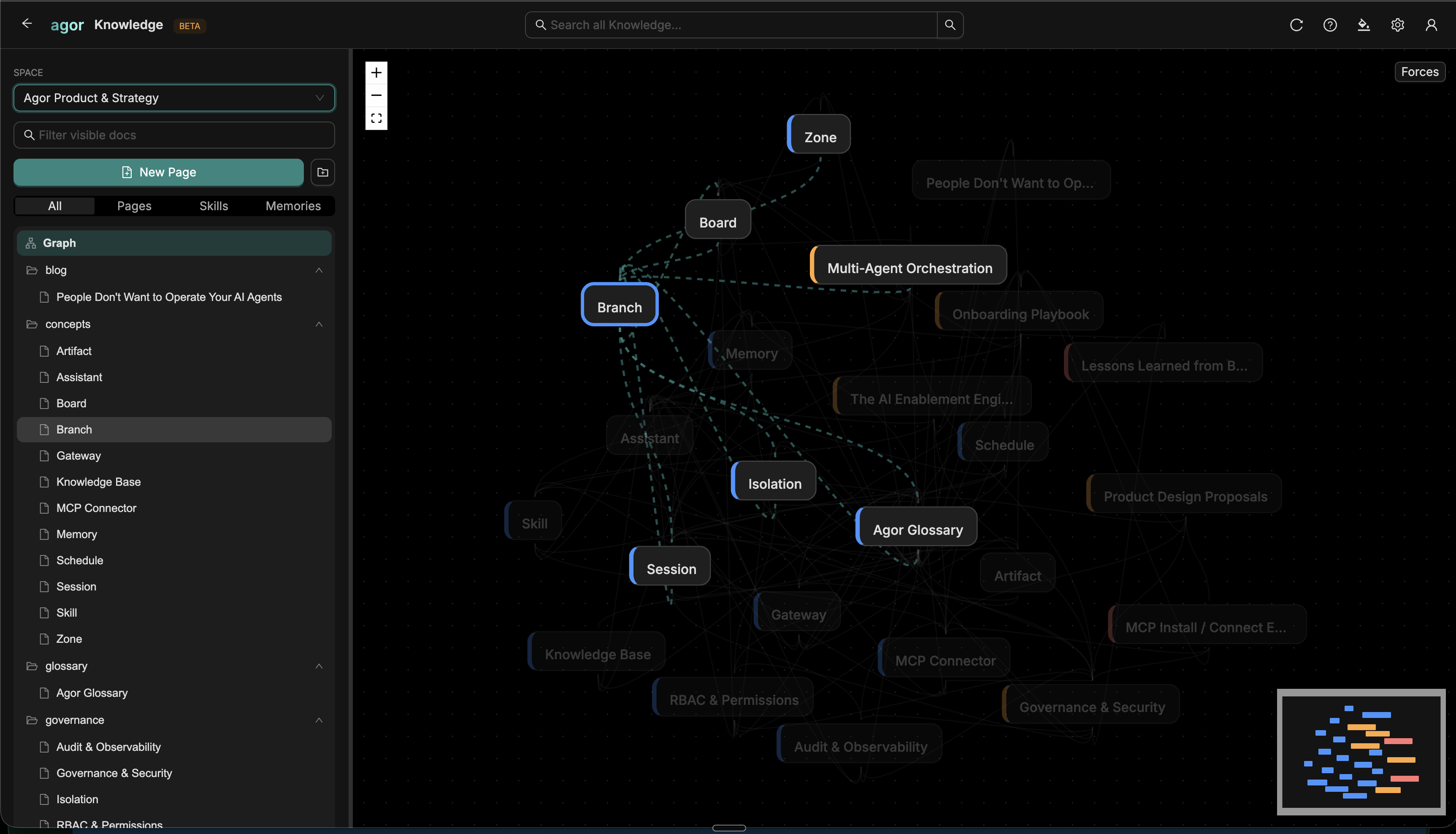
Learn moreGood context shouldn’t stay buried in an old conversation. A teammate keeps plain-markdown memory on its own branch: who it is, what it knows about the people it works with, and a daily journal of decisions and learnings. Each new session starts by reading it.
For context the whole team needs, Agor Knowledge gives people and teammates one shared place for runbooks, decisions, and prompts. Memory is only as good as what gets written down, so your team can read it, edit it, and correct it.
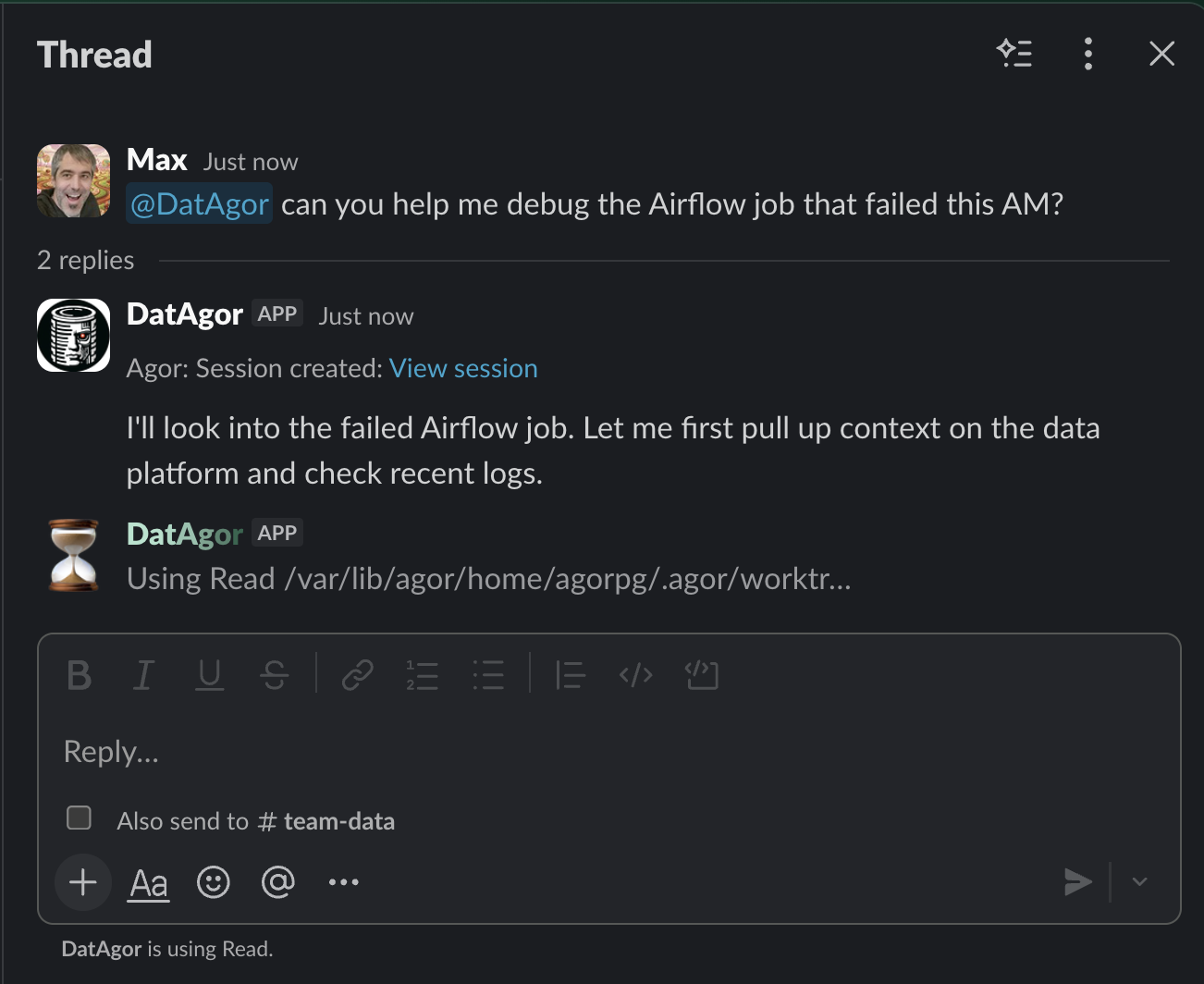
Not everyone needs to live on the board. Mention a teammate in Slack or Discord, or tag it on a GitHub PR or Shortcut story, and Agor starts a session on the right branch and replies where you asked. Microsoft Teams is coming soon to Agor Cloud.
When a sender is matched to an Agor user, the session runs as that person, with their access and their name on the record. Each channel has its own model, tools, and approval rules.
Message gateway and its security notes Meet Blake, our deal desk agent
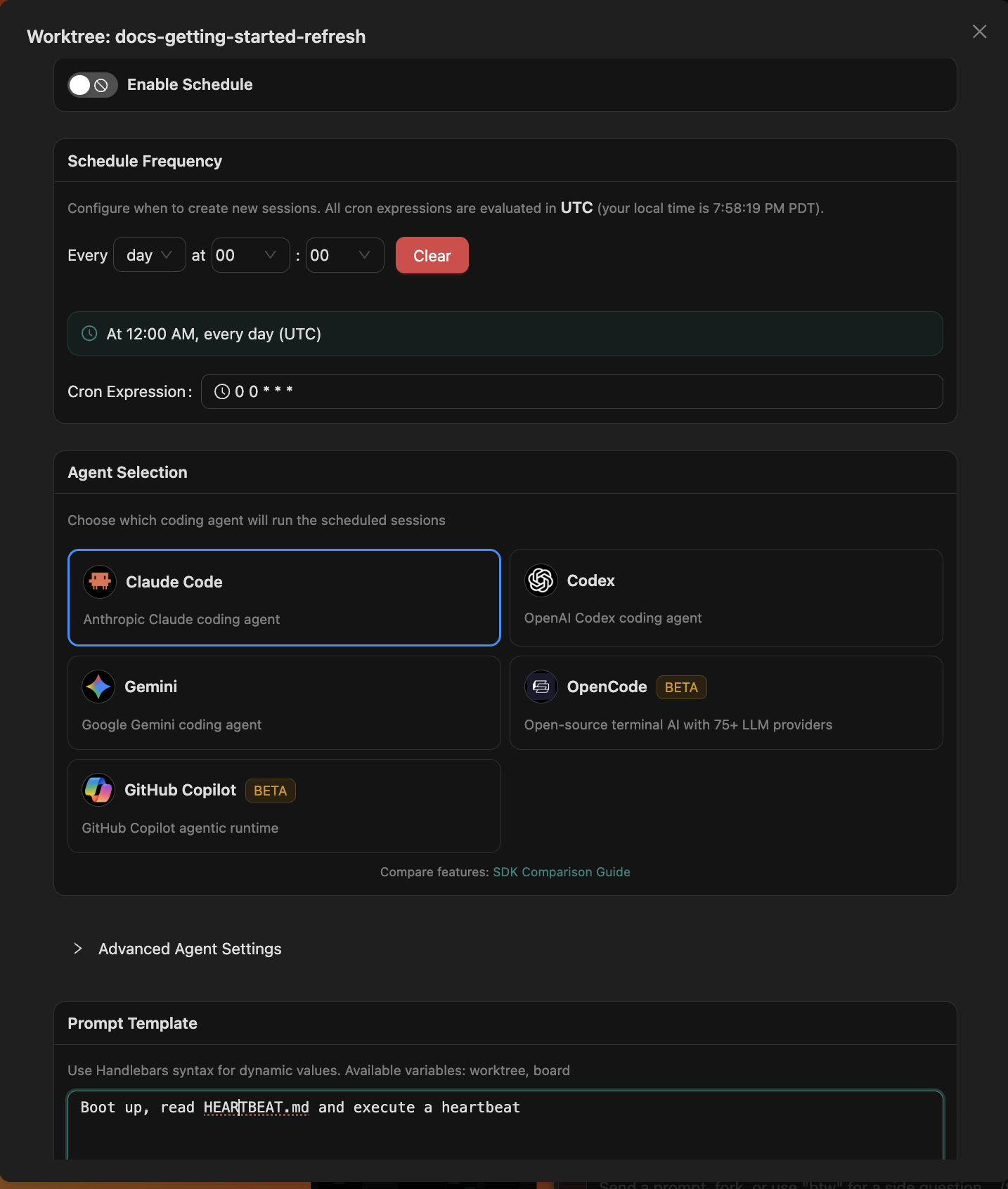
Some work should happen every morning whether or not anyone remembers to ask. Attach a cron schedule to a teammate’s branch, and each run starts a fresh session with the branch and board context it needs.
A teammate’s heartbeat is a schedule that reads HEARTBEAT.md: check in-progress work, triage what’s new, write the day’s notes to memory. Every run leaves a full transcript your team can review.
Package the steps your team repeats as skills: a release check, a review checklist, a weekly report. Skills live with the teammate, so the method is written down instead of living in one person’s head.
Then connect the systems it needs. Skills and MCP servers let a teammate work with tools like Slack, GitHub, Linear, and Datadog, and Agor’s own MCP server lets it create branches, spawn sessions, and organize boards.
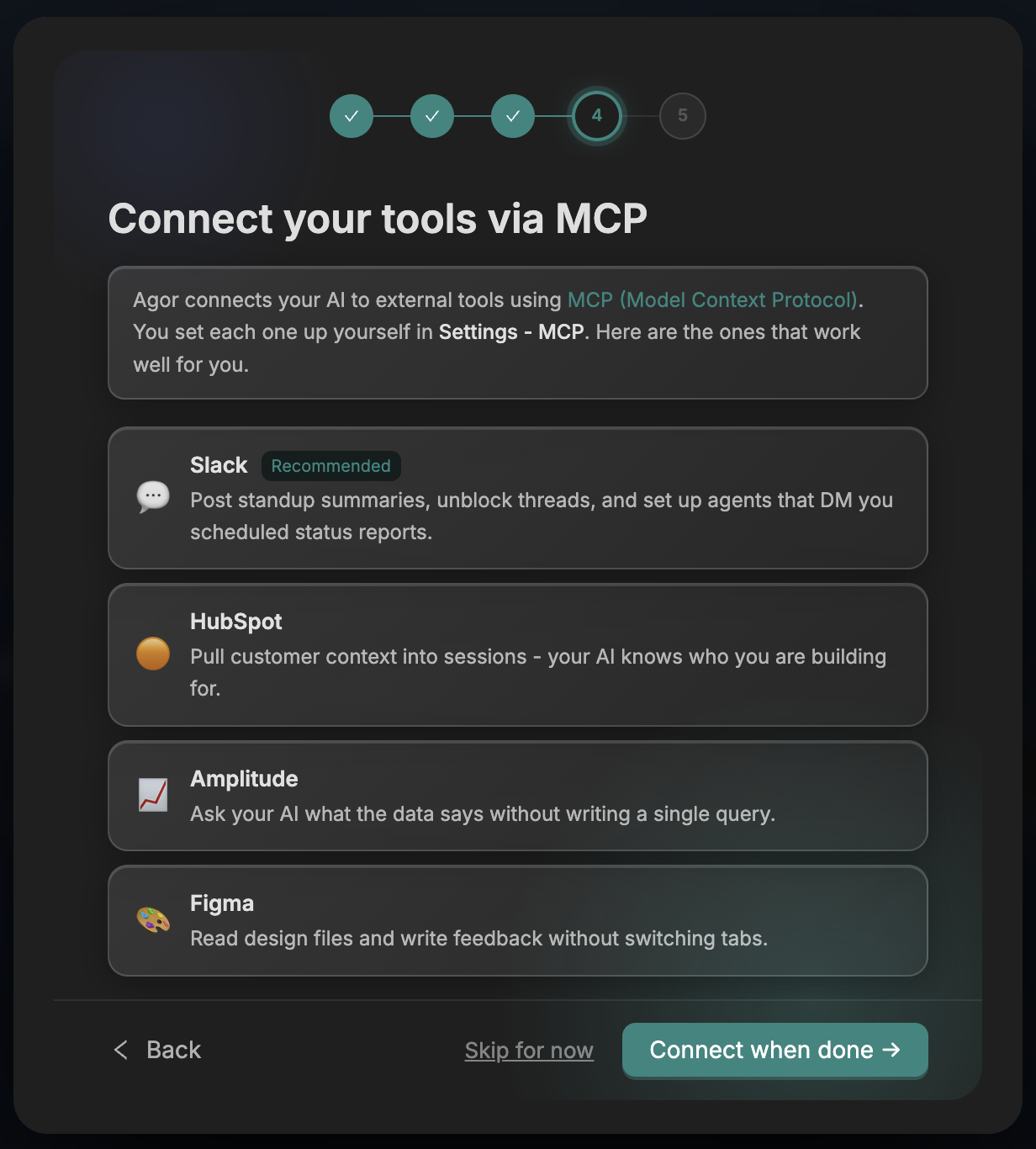
You don’t need a perfect system prompt on day one. A new teammate starts with a guided first conversation that works toward a real outcome for you, while it learns your goals, your context, and how you like to work.
From there, teaching is ordinary conversation. Correct a weak answer, point it at the right doc, or tighten how it reports, and it keeps what it learns in its memory for next time.
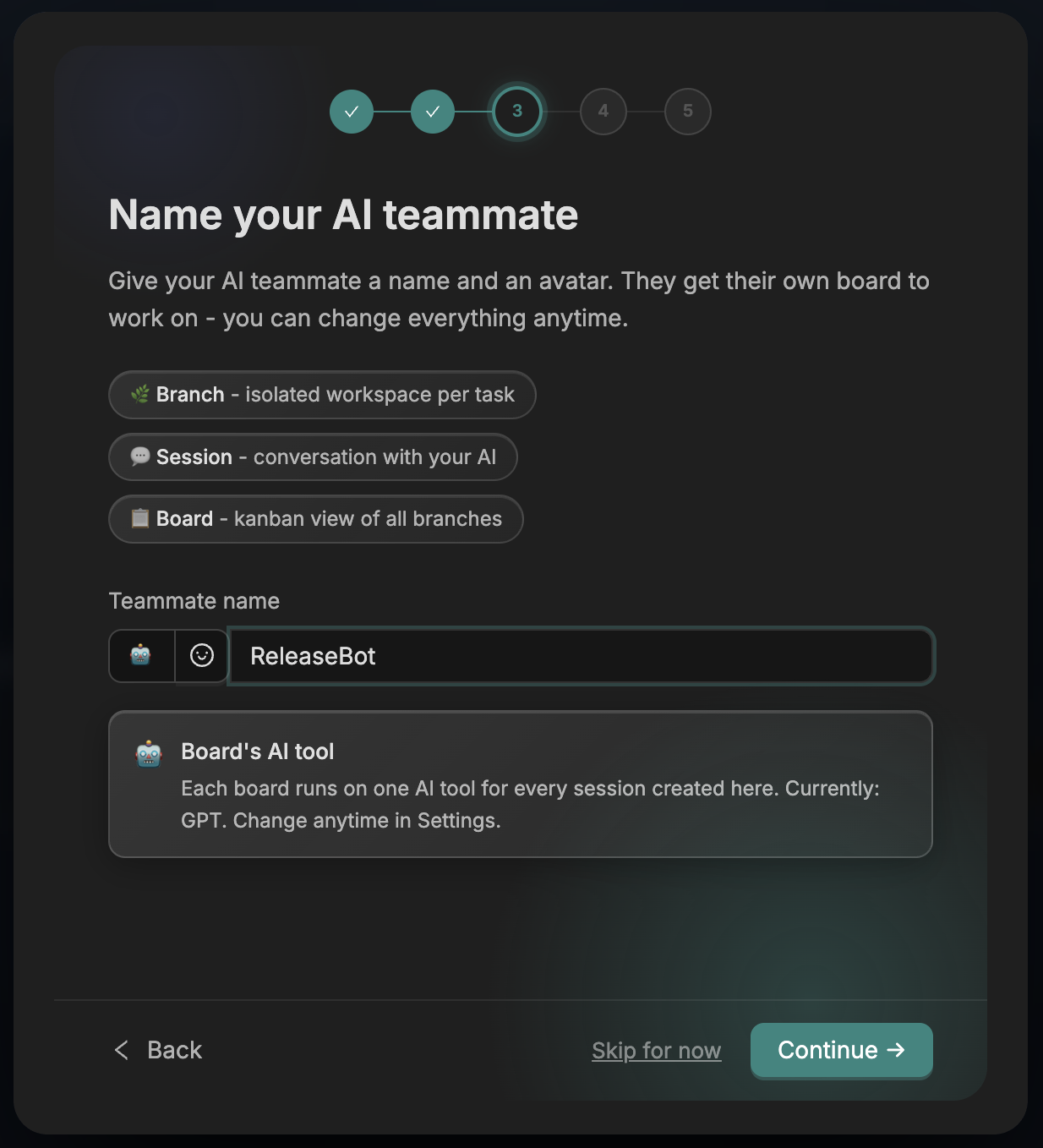
A useful teammate fits in one sentence: it helps this team handle this kind of work across these systems. Its identity files hold that purpose, along with its voice and the principles it works by. Those files come from agor-teammate, the public framework every Agor teammate is built on, which borrows its core ideas from OpenClaw.
People stay in charge of scope. Decide what it can do read-only, what it drafts for review, and when it should stop and ask. Start with a tight loop, and widen its autonomy as it earns trust.
Agent modeling 101 The agor-teammate framework Agor and OpenClaw
Start on your own with Agor Community Edition and bring colleagues in as you go, or talk to us about rolling Agor out across your team. Agor Cloud is here when you’d rather we run it.