Announcing Agor Cloud Open Beta
By Agor team · October 13, 2026
Today we’re announcing Agor Cloud Open Beta, the hosted service for Agor.
Agor brings your team and agents together on live spatial boards. Follow work as it happens, contribute context, discuss the results, and turn useful practices into something your team can reuse. Cloud lets you do that without running the hosting infrastructure yourselves.
Most teams are getting better at AI one person at a time. The good prompts sit in a chat window no one else can see, and the workflow that saves someone an hour never leaves their laptop. Agor is about what happens when that work becomes a team activity.
Agents can tackle individual tasks. For ongoing responsibilities, Agor gives them a more persistent form: AI teammates, with a defined role, memory, and connections to your team’s knowledge and tools.
Multiplayer means more than running multiple agents
Getting a good result from an agent is useful. Being able to see how a colleague got there, help improve it, and use what they learned on the next task is useful in a different way.
That’s what Multiplayer AI means to us. People collaborating with agents, and agents contributing to work the team can follow and shape. You can start alone, but useful workflows shouldn’t have to stay inside one person’s setup.
Consider a team preparing a research brief. One person gives an agent the question and relevant background. A colleague follows the work on the board, spots a missing angle, and adds a comment. The team reviews the result and saves the useful findings and instructions for next time. Because the work has a shared place, the next person doesn’t have to reconstruct it from screenshots and forwarded answers.
See the work and shape it together
When several agents are working at once, keeping track becomes work of its own. Which task is waiting for input? Which result needs review? Where did that promising line of investigation go?
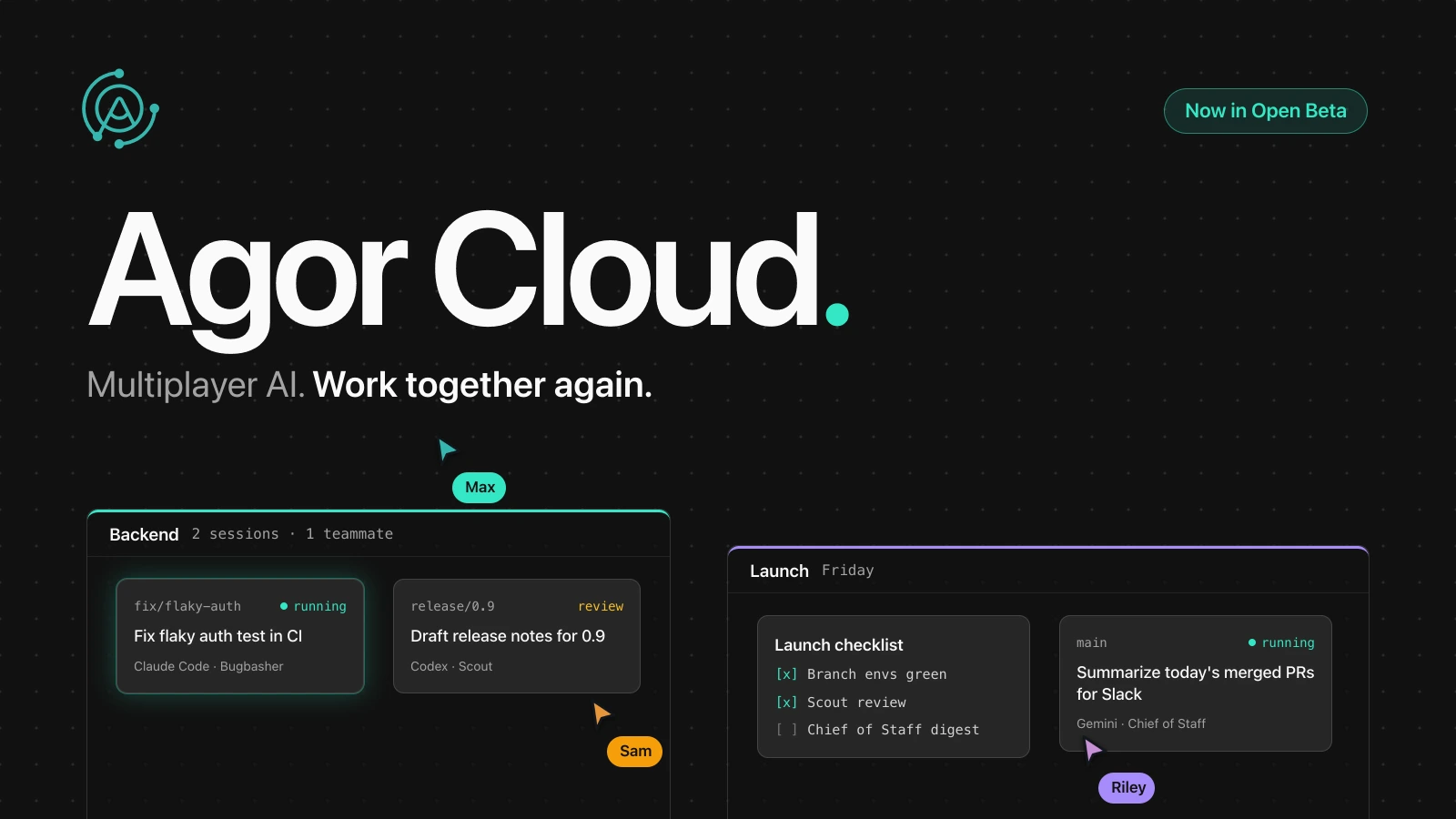
Agor gives sessions and branches a place on a board. Group related work, organize it into zones, and open the conversation when you need the detail. The layout gives you landmarks to return to: the investigation on the left, work in progress in the middle, results ready to discuss on the right.
Where things sit helps you remember what they belong to, so you aren’t scanning a growing list of nearly identical chat titles. The same layout that keeps you oriented across many agents shows your colleagues where the work stands, and presence and comments bring discussion alongside it.
Raise AI teammates your team can build on
Useful AI work shouldn’t start over with every conversation. Raise a teammate by giving it a clear job, grounding it in your team’s knowledge, connecting it to your tools, and bringing it where your team works. Refine its instructions and memory as you work with it. Once a routine proves useful, put it on a schedule: a daily digest of what changed in your market, a weekly summary of merged pull requests, or a standup report posted to Slack before the meeting starts.
Knowledge is Agor’s built-in knowledge base for people and agents. Keep decisions, research, instructions, and reusable prompts in versioned documents that can be found and used again. It gives useful context a home without requiring you to move everything out of your existing systems.
MCP connections bring tools and systems into the work. The catalog helps you find connections; the access you configure determines what an agent can use. Skills capture reusable methods, so a technique that works for one person becomes something the team can share.
Message gateways let people work with teammates in Slack, Discord, GitHub, and Shortcut. Not everyone has to live on the canvas to contribute.
Artifacts put interactive output on the board. An agent can build a small application or visualization that colleagues can inspect and discuss, instead of only describing what it would look like.
“Persistent” doesn’t mean perfect recall or automatic model training. It means the team has context and instructions it can maintain, instead of treating every conversation as a fresh start.
Your agents and models, working together
Agor builds on agent harnesses: the systems that let models use tools, work with files, and carry out tasks. It brings them into a shared environment for coordination, so your team isn’t tied to a single proprietary assistant.
Bring your own API keys or supported subscriptions, and choose the available agent and model that fit the task. You might want one agent to investigate an approach and another to review the result. Shared Knowledge and explicit handoffs give them relevant context without requiring the whole workflow to belong to one provider.
The goal is to organize work across agents while keeping the team involved, and to preserve your ability to change tools as the ecosystem evolves.
Support differs by harness and deployment; Agor’s agent integration reference describes those differences. Your provider accounts and credits remain yours to manage.
Keep people in control of the work
As agents take on more tasks, teams need to answer ordinary operating questions: who can access this work, what is running, what happened, and what is it costing?
Agor brings permissions, session records, and usage visibility into the same environment as the work. People can inspect recorded tool activity and outputs, configure access, and use the usage information available from supported integrations to understand consumption. These controls give the team ways to manage access and review the work instead of trusting a hidden process.
Why we built Cloud
We build and use Agor at Preset , and AI teammates are part of our daily work. Wendy tracks competitors and posts what changed to Slack. DatAgor writes dbt models and watches our data pipelines. BugBasher works through Apache Superset™ bugs from triage to pull request. Working alongside them has changed how we think about making AI useful to a team, and it has also made the operating responsibilities concrete.
Hosting agent work means managing infrastructure, execution, credentials, updates, and the connections people depend on. Teams interested in collaborating with agents shouldn’t all have to take on that hosting job.
Agor Cloud is our hosted path. The console is where you manage your account, team members, and workspaces; open a workspace to work with your team and agents in Agor.
The source-available Agor project predates this announcement. Open beta marks a hosted-service milestone, backed by work across onboarding, usability, quality, and connectivity. Our companion Preset story explains how an effort to keep track of agents grew into a broader approach to working together: Agor Cloud Open Beta on the Preset blog .
Start with one useful task
You don’t need to map your entire organization into Agor. Start from one of our pre-built teammate templates, then give it a bounded job: prepare a research brief, draft release notes, or help review a proposed change. Adapt its instructions, add the context and connections it needs, invite a colleague, and review the result together.
Agor Cloud is in beta. Use non-critical work rather than critical operations or highly sensitive data, keep independent backups, and review agent actions and outputs. There is no SLA, and features, capacity, and limits may change. Read the Open Beta details for planned limits, provider responsibilities, and security work in progress; not every capability in the Agor guides is available in hosted beta.
Continue reading
Not ready to try it yet? These posts go deeper on the ideas behind Agor.
- Agent Modeling 101: Designing Long-Lived Agents for Teams: the thinking behind AI teammates, and what separates one from a chat window.
- Raise a Team Helper Agent in an Afternoon: a hands-on walkthrough of building your first teammate.
- Is the IDE Obsolete?: why a spatial board is a better working surface when you’re running many agents.
- More Than a GUI: Agor Is a Full Platform to Orchestrate AI Agents: permissions, MCP, gateways, and observability for teams that need control.
- The Making of Agor: the short origin story.
Questions along the way? Join our Discord .
Bring your team and agents together with Agor Cloud. Start with one useful task, and see what your team builds on it.